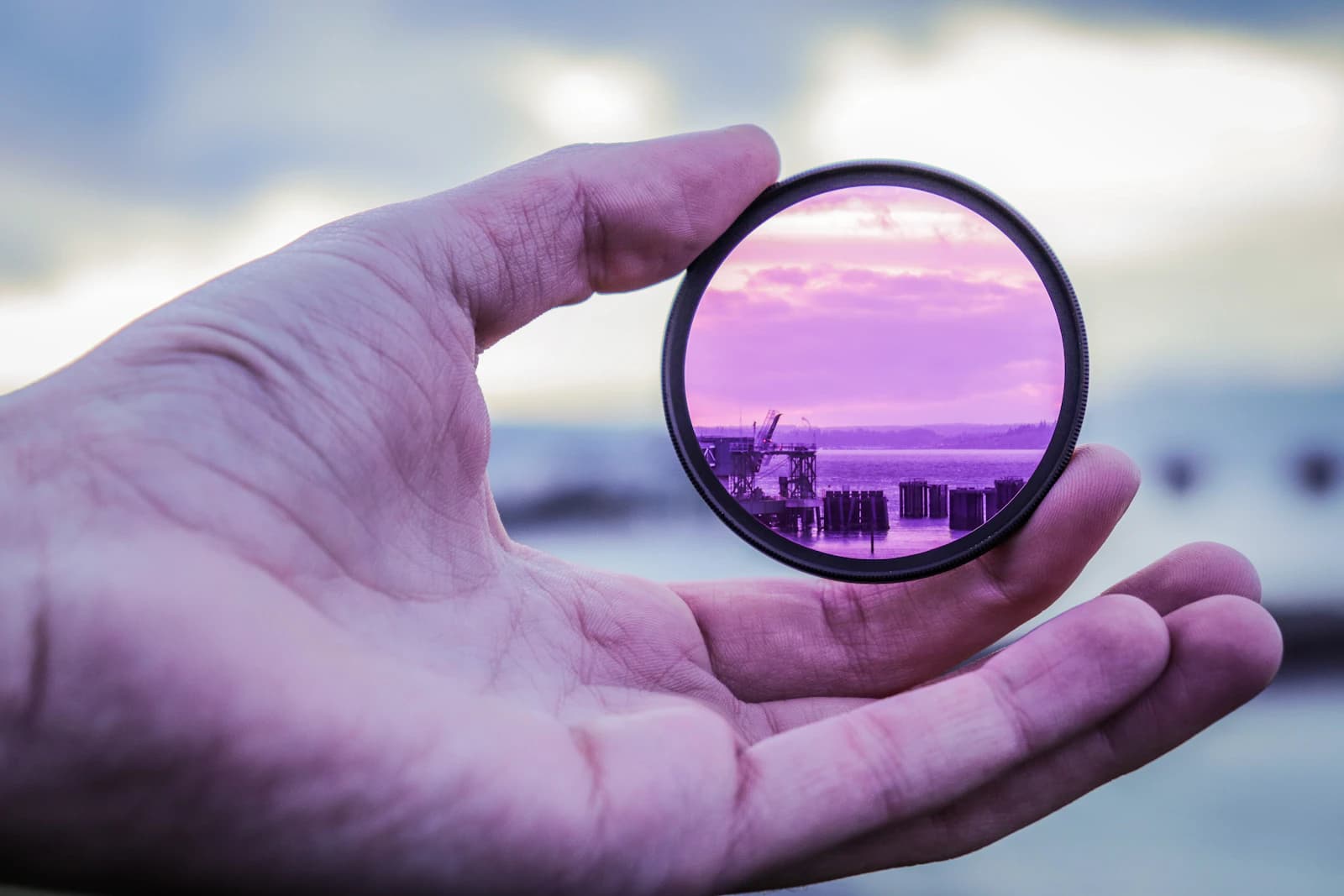
The usual way to use an ND filter calculator is straightforward: enter your unfiltered shutter speed and the filter's stop rating, and it tells you the resulting long exposure time. The more useful question in the field is often the opposite one — you already know the exposure time you want for the effect you're after, and you need to know what your camera settings have to look like before you even attach the filter.
Why the forward calculation isn't enough on its own
A 6-stop, 10-stop, or 15-stop filter only ever multiplies whatever shutter speed you feed it — it can't shorten an exposure that's already too long, and stacking a second filter to darken things further usually costs you image quality through vignetting and color cast. If you calculate forward after the filter is already on the lens, and the resulting exposure turns out to be four minutes instead of the 30 seconds you wanted, you've lost the shot, not just the calculation. Reversing the math first tells you whether your filter and your available light can actually reach the exposure time you're planning for.
Reverse example: dialing in a specific waterfall look
Say you want roughly a 2-second exposure to blur moving water into a soft streak without turning it into a flat white sheet, and the only ND filter in your bag is a 6-stop (ND64). Working backward, the base (unfiltered) shutter speed you need before attaching the filter is 1/32s. If your ambient-light meter reading in that spot is closer to 1/500s, you're 4 stops too fast — the fix is narrowing the aperture, dropping to base ISO, or waiting for slightly less light, not attaching the filter and hoping. Knowing the target base speed up front tells you exactly how many stops you're short before you waste a frame finding out.
Reverse example: catching a mismatch between filter and light
For a 30-second cloud-streak exposure with a 15-stop filter (ND32000), the base shutter speed you'd need is about 1/1092s — faster than most daylight base readings will actually give you. Feed a more realistic base of 1/125s into the same 15-stop filter instead and the resulting exposure comes out to roughly 262 seconds, well over 4 minutes, not the 30 seconds intended. Reversing the calculation first shows that filter is simply too strong for that light and that target time — switching to a 10-stop filter (ND1000) instead brings the required base speed to about 1/34s, which a smaller aperture or a slightly darker moment of the day can realistically reach.
Using the calculator to plan before you attach the filter
ExifLens's ND Filter Calculator, on the ExifLens homepage, runs both directions: enter a base shutter speed and filter strength to see the resulting long exposure, or work the numbers backward from a target exposure time to see what base speed and filter combination gets you there. Doing this planning step before mounting a strong ND filter matters especially because once a 10-stop or stronger filter is on the lens, composing and metering through an optical viewfinder or a mirrorless screen usually isn't possible — the standard workflow is to compose and meter first, then decide on the filter and settings, then attach it and shoot.
Field checklist
- Decide your target exposure time first, then work backward to the base shutter speed you need — don't attach the filter and hope.
- If the required base shutter speed is faster than your ambient light allows, narrow the aperture or drop ISO before reaching for a stronger filter.
- A filter that's too strong for the available light produces exposures several times longer than intended — check the math before committing several minutes to one frame.
- Carrying two filter strengths (for example a 6-stop and a 10-stop) covers a much wider range of target exposure times than one strong filter alone.
- Compose, focus, and meter before attaching a 10-stop or stronger filter — you generally can't do any of that through the viewfinder once it's on.