ExifLens — Free Online EXIF Viewer & Photo Metadata Checker
Drop a photo to extract EXIF metadata online instantly, then calculate your ND filter long exposure in one click.
- Completely free
- No sign-up needed
- Photos never leave your browser
- 4 languages
Drag & Drop photo here to auto-extract EXIF
Supports JPG, PNG and most camera RAW files. Nothing leaves your browser.
Extracted EXIF
- Camera
- —
- Lens
- —
- Shutter Speed
- —
- Aperture
- —
- ISO
- —
- Focal Length
- —
- GPS Location
- —
- Date & Time Taken
- —
- File Size
- —
Upload a photo to see its camera, shutter speed, aperture, ISO, focal length and the date and time it was taken.
ND Filter Calculator
100% client-side. Your photos are never uploaded to a server.
How to Use ExifLens
- 1
Upload a photo
Drag a photo into the upload area at the top of the page, or click to choose one.JPG, PNG, and most camera RAW formats are supported, with up to 100MB per file.Your photo is never sent to a server — everything is processed inside your browser.
- 2
Read the EXIF data
As soon as the photo loads, the camera, lens, shutter speed, aperture, ISO, focal length, and the date and time taken appear in the “Extracted EXIF” panel.Photos that went through a messaging app or social network may have had their metadata removed, so some fields might not appear.
- 3
See where it was taken on a map
If the photo contains GPS data, click “View on map” next to the location row to see exactly where it was shot.Photos without location data leave this row empty.
- 4
Calculate your ND filter exposure
The ND filter calculator shows the shutter speed detected from your photo as the base value.Pick a filter strength or type in a custom number of stops to get the long-exposure shutter speed you need in the field, then use the built-in timer while you shoot.Matching gear recommendations for the selected ND filter are shown too.
- 5
Build a camera-info frame
Use “Create a frame” in the top menu, or the button that appears after uploading, to open the EXIF Frame Generator.Add a clean camera-info frame to your photo and download it at the original resolution — handy for social media and portfolios.
- 6
Protect your privacy before sharing
EXIF data can include where and when a photo was taken and what device shot it, so sharing the original file can expose personal information.Remove the metadata with the EXIF / Metadata Remover before you post.
- 7
Explore more tools and guides
Depth-of-field, golden hour, crop factor, and exposure stops calculators, plus an image compressor, are all free in the Tools menu.Read the guides for exposure, ND filters, and genre-by-genre shooting tips, and check the FAQ for quick answers.
Explore the Guides
In-depth guides on exposure, ND filters, and shooting techniques for every genre.
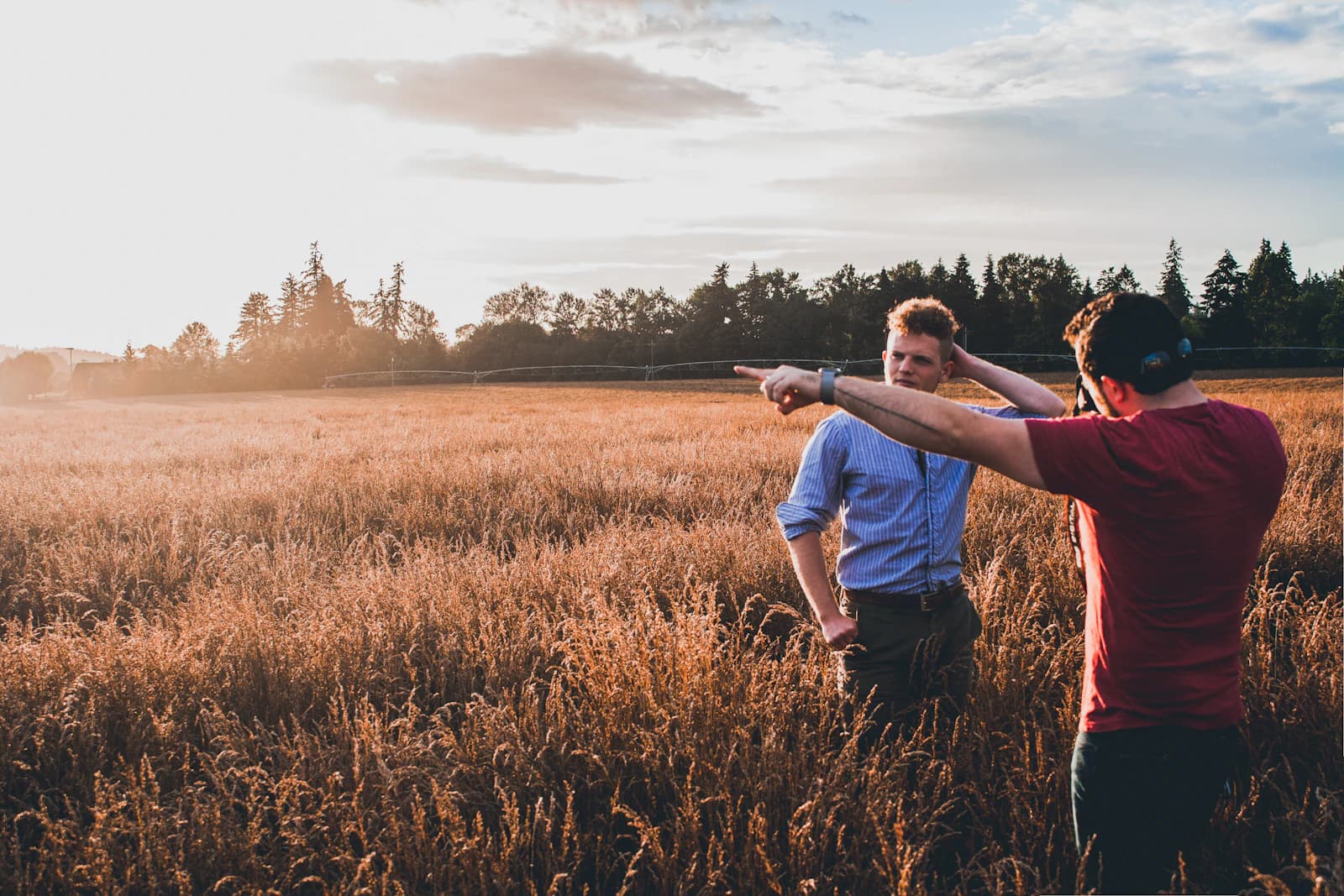
How Wide Is That Lens, Really? Calculating Field of View in Degrees
"35mm" or "200mm" only tells you so much on its own. Our Camera Field of View calculator converts focal length and sensor size into an actual angle in degrees — here's how to use it and why it matters.
7 min read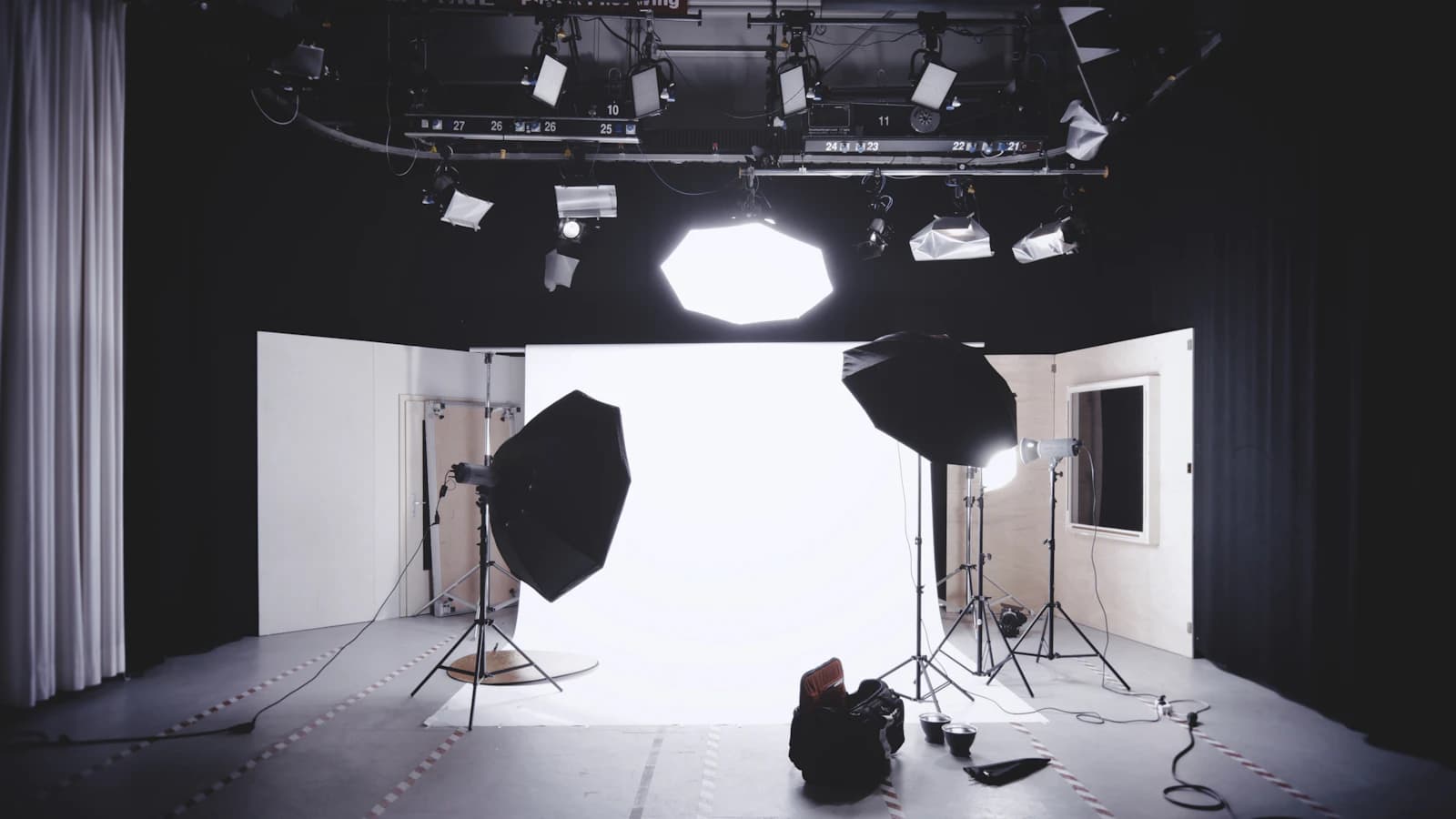
Studio Lighting Basics: Shaping Depth with Three-Point Lighting and Lighting Ratios
One light left half the face buried in shadow, and adding more lights just flattened everything out? Here's how key, fill, and back lights split the work, how the inverse-square law predicts exposure shifts, and how to calculate a lighting ratio that actually adds dimension.
4 min read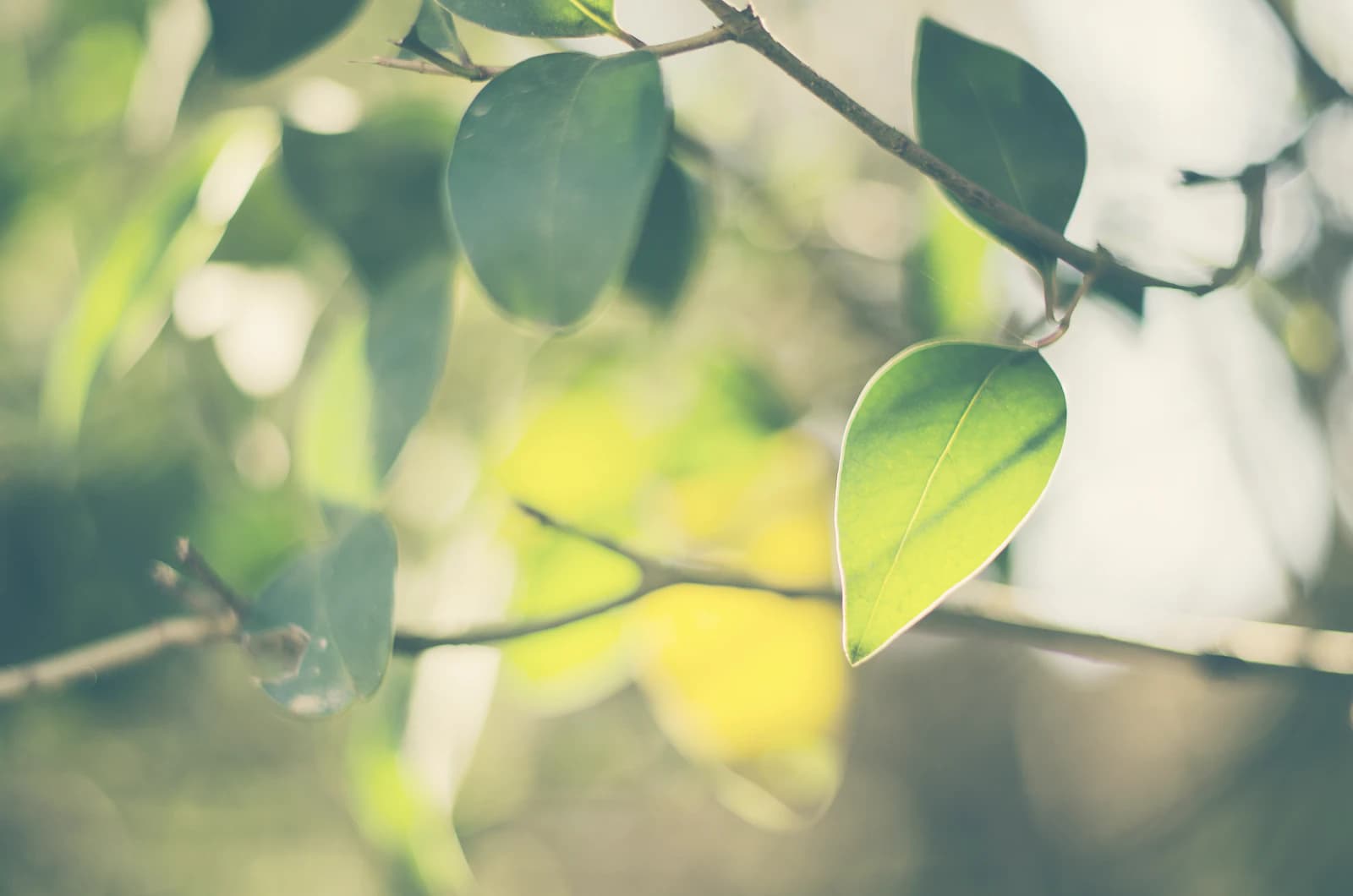
Finding Your Camera's Diffraction-Limited Aperture (and Why It's Not the Whole Story)
Our Advanced DoF & Diffraction calculator shows the aperture where diffraction starts to soften detail for your sensor size, alongside the resulting depth of field. Here's how to read both numbers together.
7 min read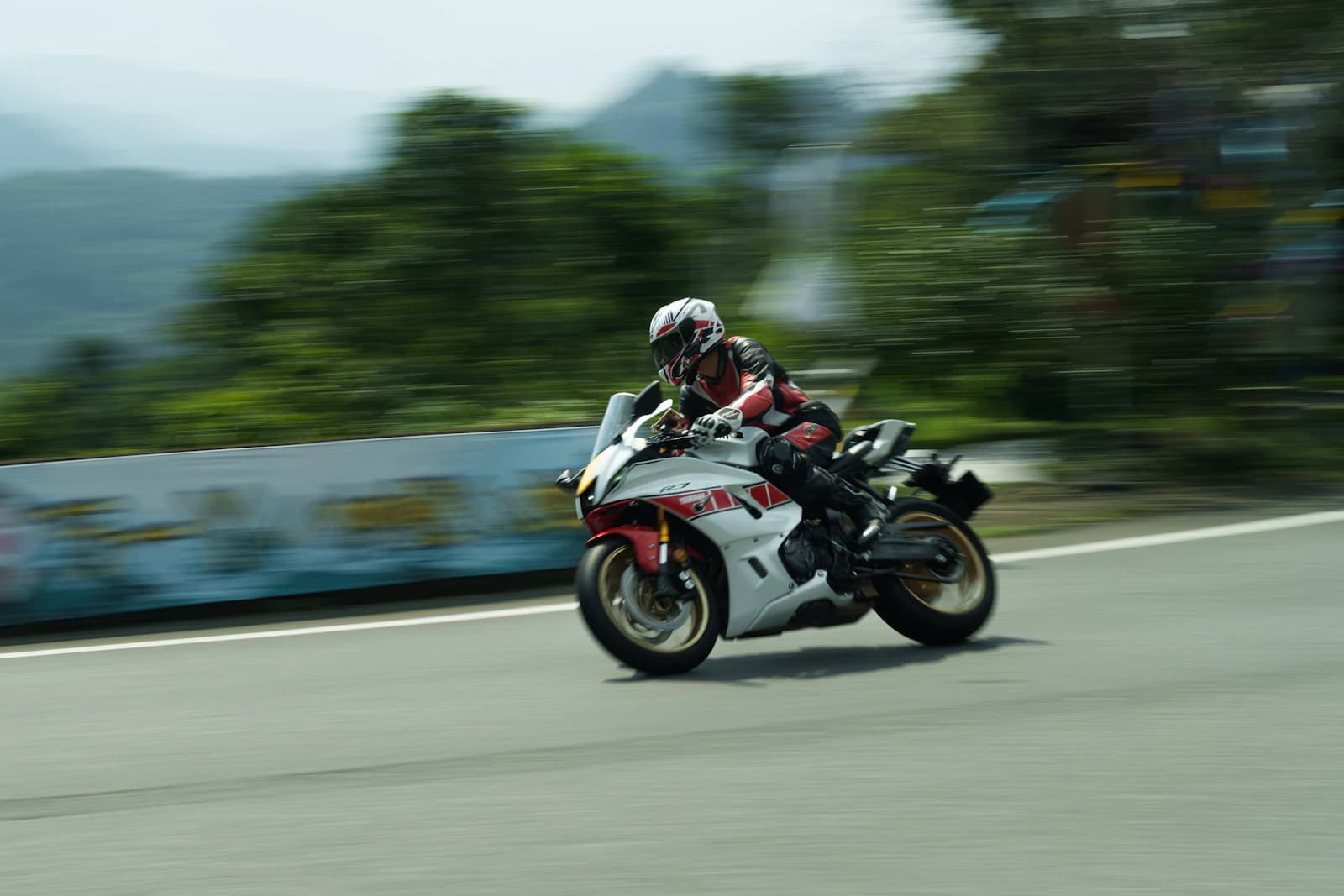
Panning Shot Technique: Sharp Subject, Streaking Background
How to choose shutter speed, tracking method, and body movement for panning shots — the technique that keeps a moving subject sharp while the background blurs into motion streaks, from cyclists to cars to running athletes.
4 min read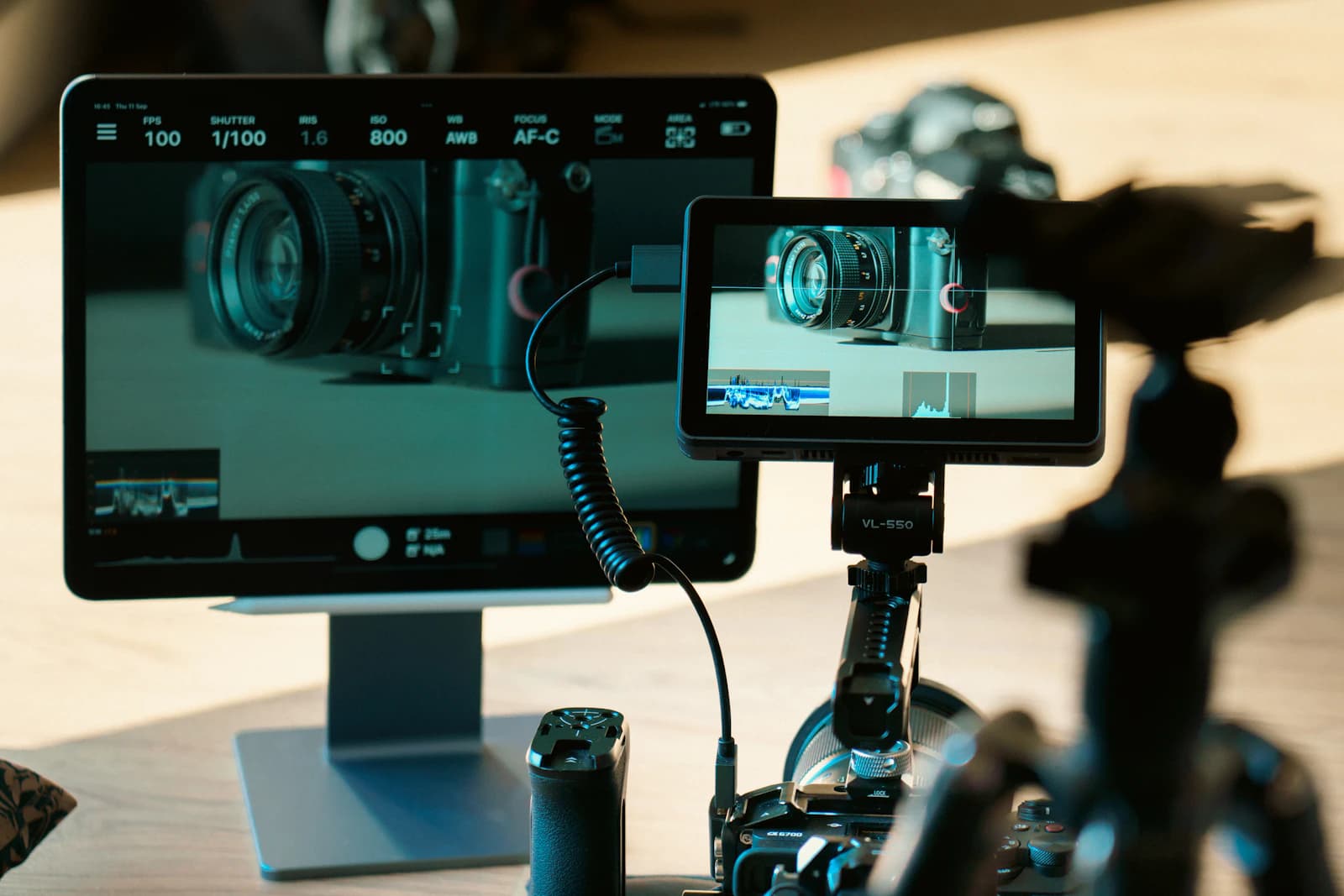
How to Read a Histogram (and Why It's More Reliable Than Your LCD)
What the histogram on your camera actually shows, how to spot clipped highlights and crushed shadows before you leave the scene, and why there's no single 'correct' shape to aim for.
6 min read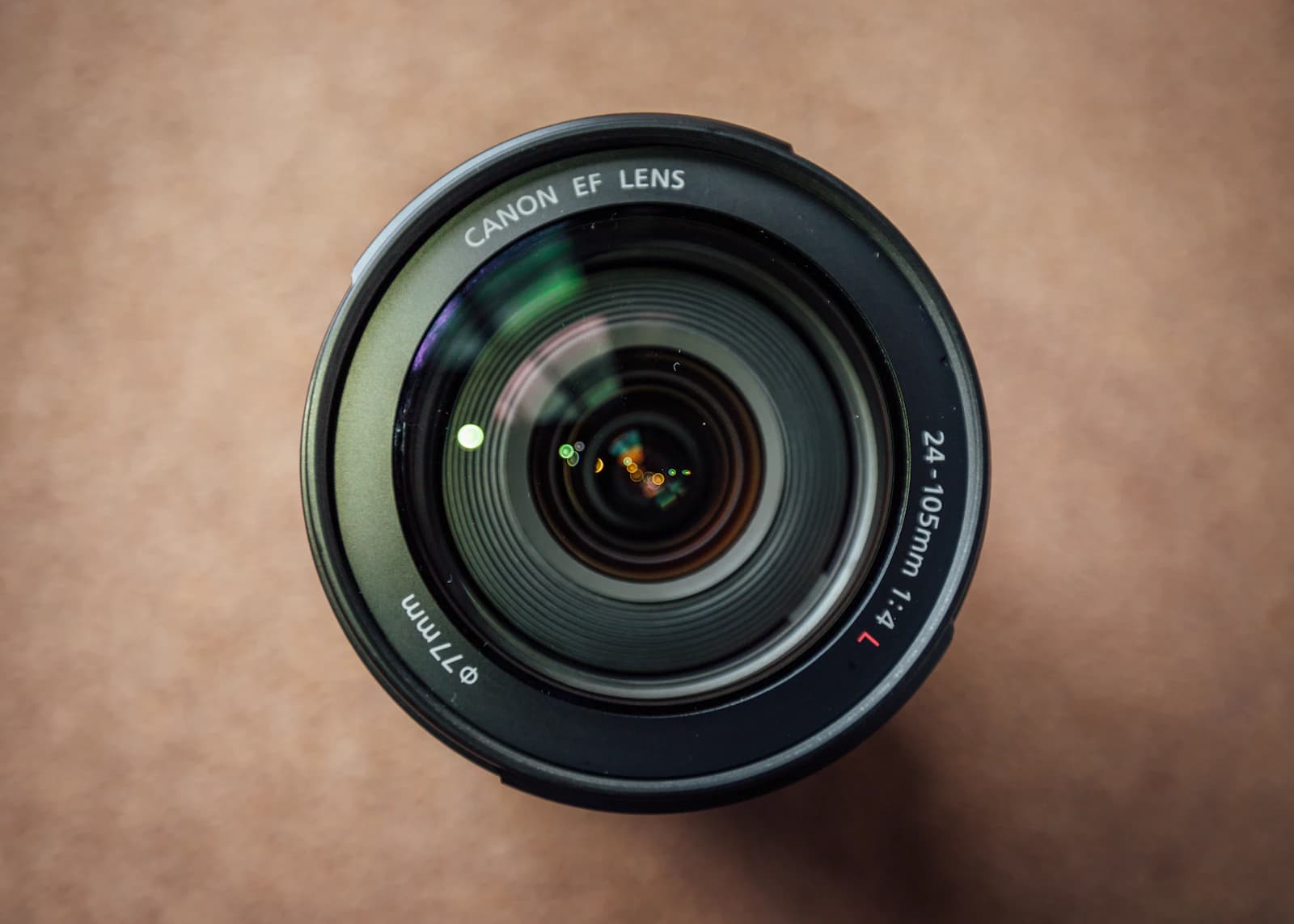
Prime Lens vs. Zoom Lens: How to Actually Choose
How fixed-focal-length primes and variable-focal-length zooms really differ in maximum aperture, image quality, and weight, with concrete numbers, and which one wins for specific shooting situations.
3 min readExplore the Photo Tools
Browse free tools that need no sign-up and process your photos in your own browser without uploading them to a server.
Depth of Field Calculator
Find your near/far focus limits and hyperfocal distance from focal length, aperture, and sensor size.
Exposure Triangle / Stop Converter
See the equivalent shutter speed, aperture, or ISO when you change one exposure setting.
Time-Lapse Calculator
Work out shooting interval, total frames, and shoot duration from your target video length.
Astrophotography Exposure Calculator
Get the longest shutter speed before stars start trailing, using the NPF or 500 rule.
Exposure Bracketing Calculator
Calculate the shutter speeds for an HDR bracket from your base exposure and stop spacing.
DoF & Hyperfocal Table
See hyperfocal distance and depth of field at every standard aperture and subject distance, in table form.
Sunny 16 Calculator
Estimate exposure without a light meter using the classic Sunny 16 rule and its overcast/shade variants.
Golden Hour & Blue Hour Calculator
Check today's golden hour and blue hour windows from just a date and location.
Advanced DoF & Diffraction Calculator
Find your sensor's diffraction-limited aperture and the resulting depth of field, side by side.
Camera Field of View Calculator
See the horizontal, vertical, and diagonal angle of view your lens captures, in degrees, at any focal length.
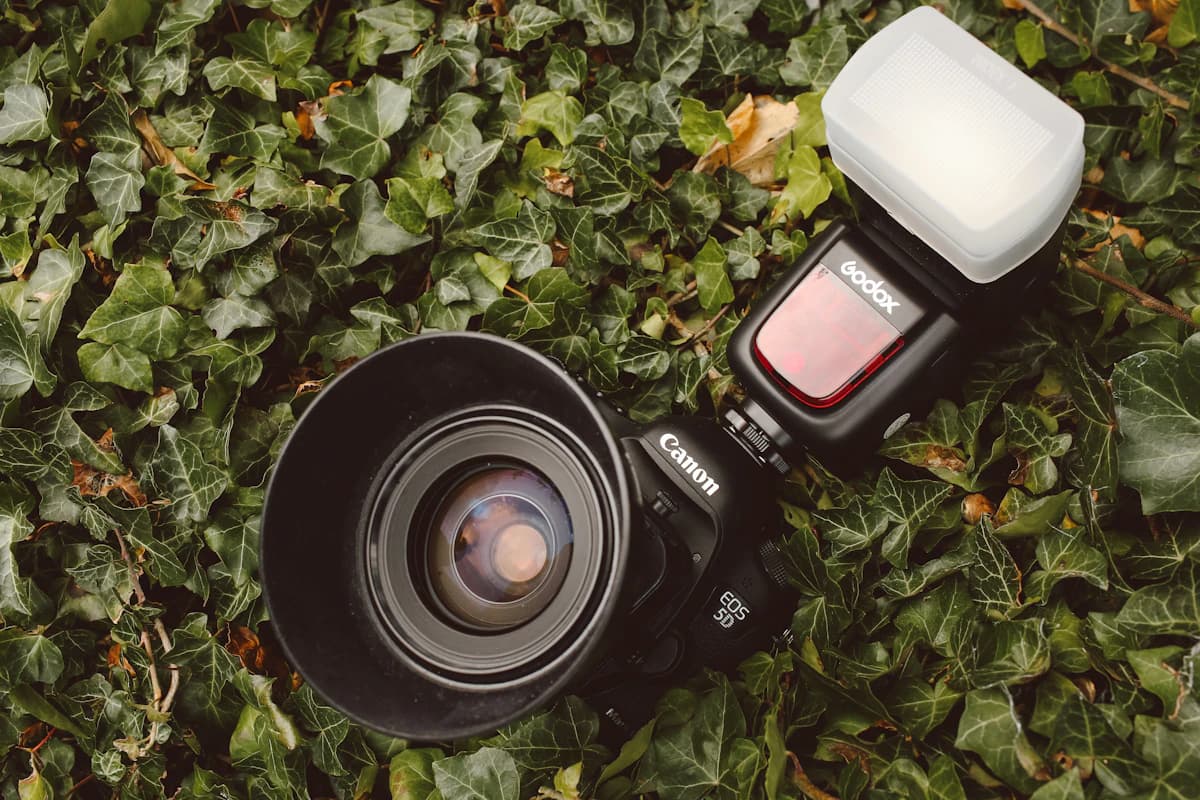
Flash Guide Number Calculator
Find your flash's maximum distance for a given aperture, or the aperture needed at a given distance.
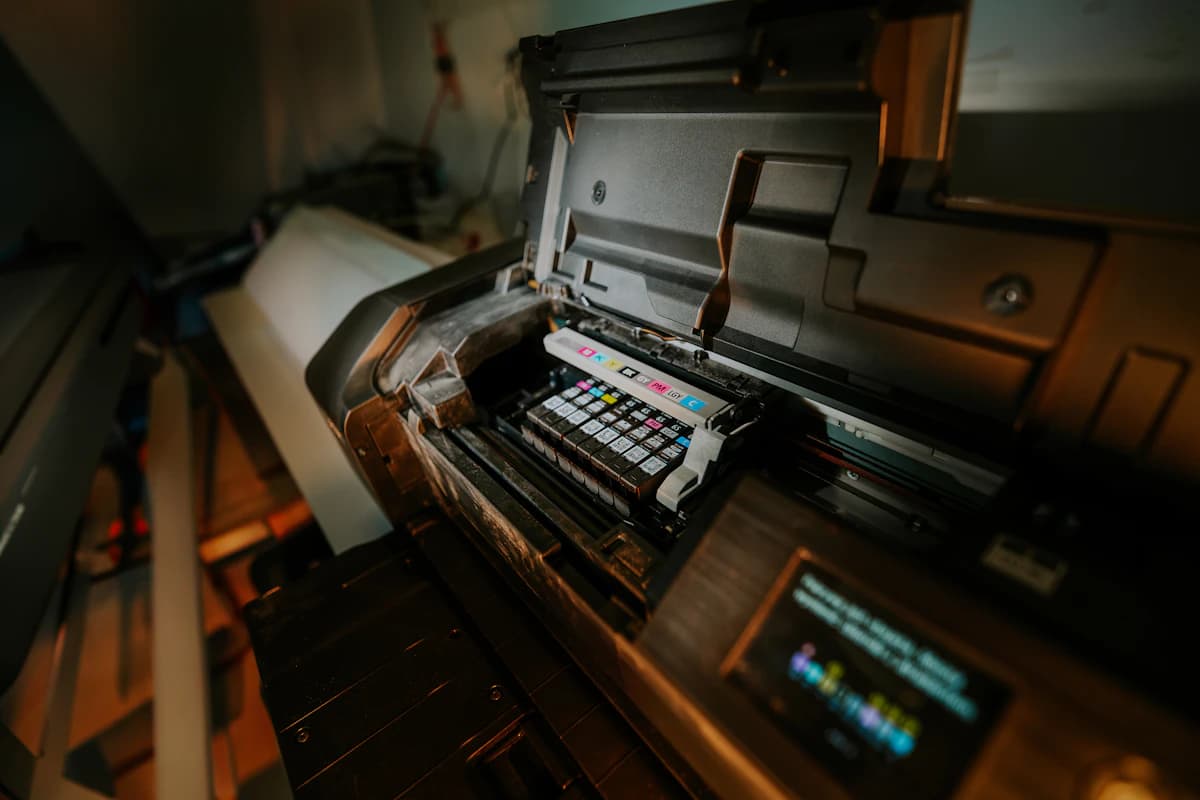
Print Resolution / DPI Calculator
Find the largest print size your photo supports at 300 DPI (or any target resolution).
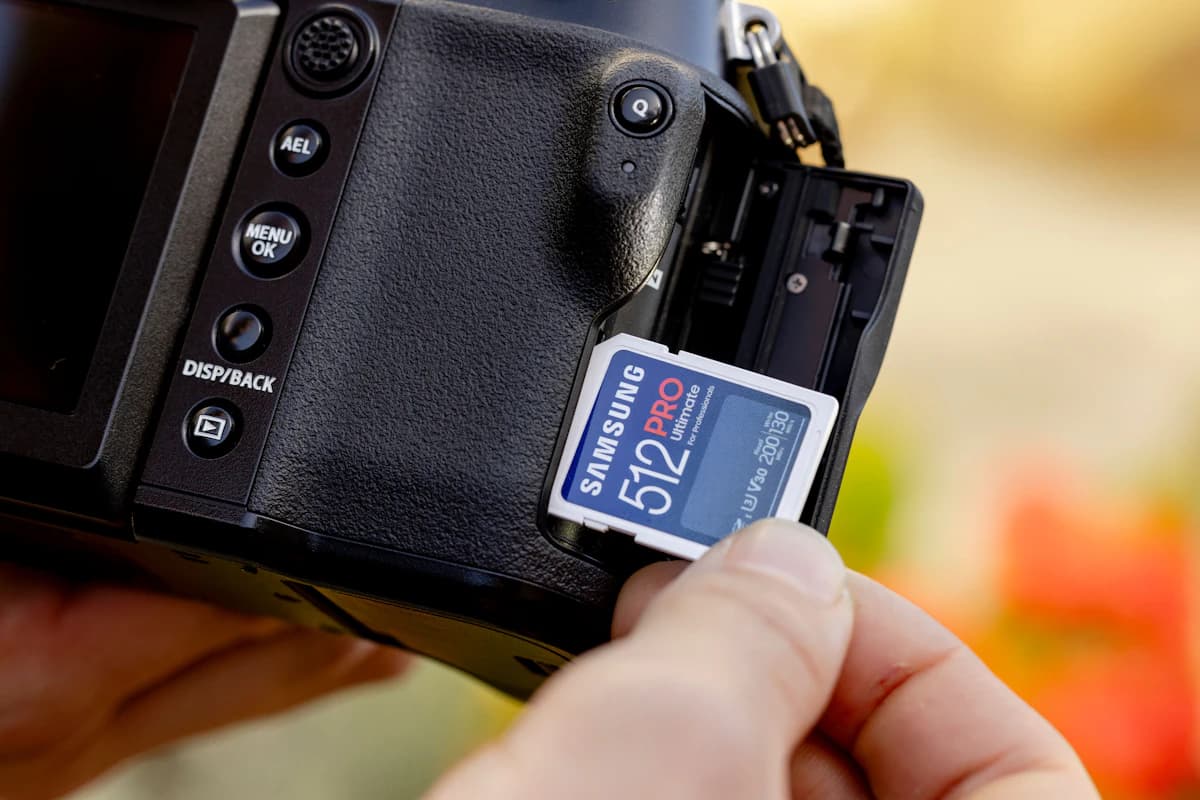
Photo Storage Calculator
Estimate RAW/JPEG file sizes and how many shots fit on a memory card.
EXIF Remover
Strip location and camera metadata from your photos before sharing them online.
Crop Factor / Focal Length Converter
Convert a focal length between full-frame, APS-C, and Micro Four Thirds equivalents.
Shutter Count Checker
Check how many shutter actuations your camera has recorded, straight from a NEF, CR3, or JPEG file.
Image Compressor
Shrink JPG, PNG and WebP photos to a target size in KB. Optional location-data removal.
Frequently Asked Questions
Real questions from photographers, pulled from across our tools and guides.
I don’t know my camera’s exact megapixel count — what do I do?+
Pick the resolution preset closest to your camera’s actual megapixel count; the listed example models can help you match it.
What happens to location data when I compress?+
By default EXIF and GPS are removed. Only when saving a JPG as a JPG can you keep everything or remove only the location. If hiding location is all you need, the EXIF Remover tool also works.
Do I really need 300 DPI?+
Not always. 300 DPI is a common benchmark for prints viewed up close (albums, framed photos), but large posters or banners viewed from a distance can look plenty sharp at around 150 DPI. The farther the viewing distance, the lower the DPI you need.
Should I calculate based on RAW or JPEG?+
Use RAW if you plan to do significant editing afterward, or JPEG if you need ready-to-use results right away. If your camera saves both formats at once, add the two file sizes together and enter that total with the 'Custom' option.
Why does the guide number change with ISO?+
A higher ISO makes the sensor more sensitive to the same amount of light, which is equivalent to boosting the flash's effective reach — but only by the square root of the ISO ratio, not proportionally. Doubling ISO increases the usable guide number (and distance) by about 41%, not 100%.
Related tool
Planning a drone shoot at night or during golden hour? Check wind and weather conditions before you fly.
Check drone flight weatherGear Recommendations
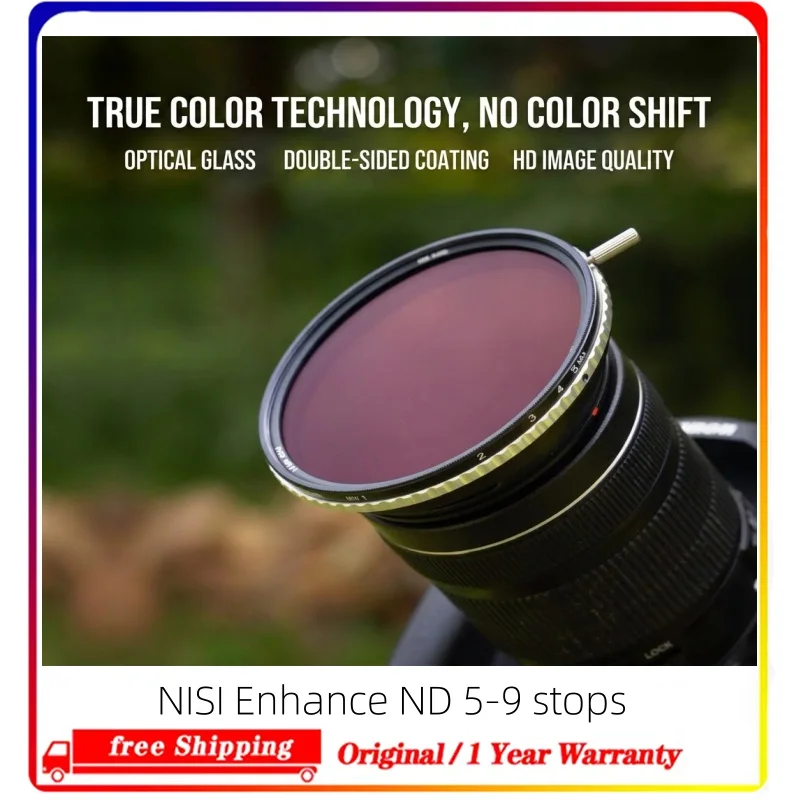
Nisi True Color ND-VARIO Pro 5-9 Stop Variable ND Camera Lens Filters
USD 58.9
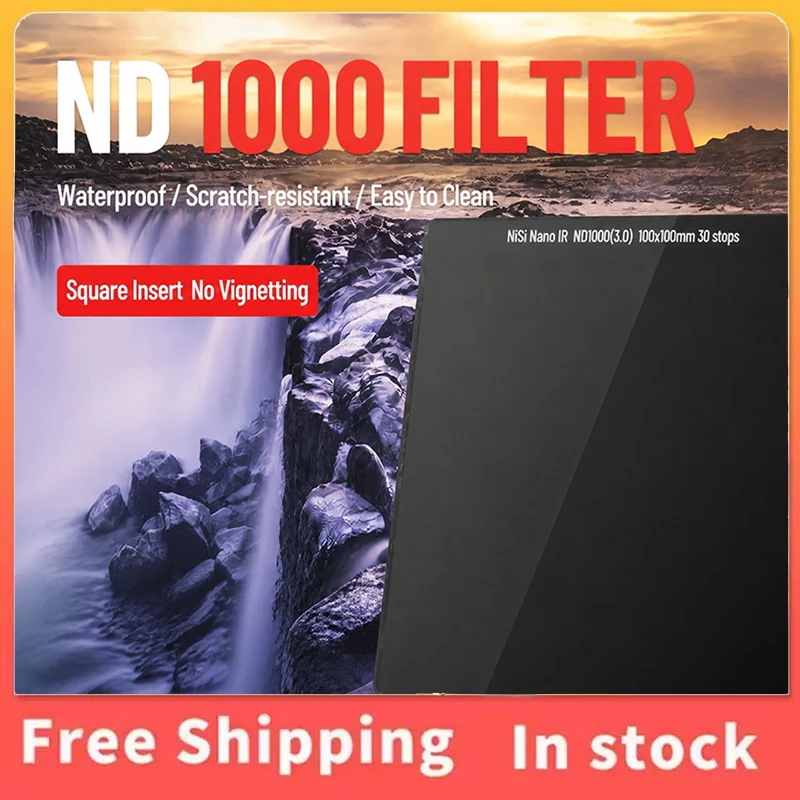
NiSi Square 100mm ND Filter, Neutral Density Insert Filter ND8 ND64 ND1000 for Canon Sony Nikon Camera Lenses
USD 196.27
As an affiliate, we may earn a commission from qualifying purchases made through these links, at no extra cost to you.