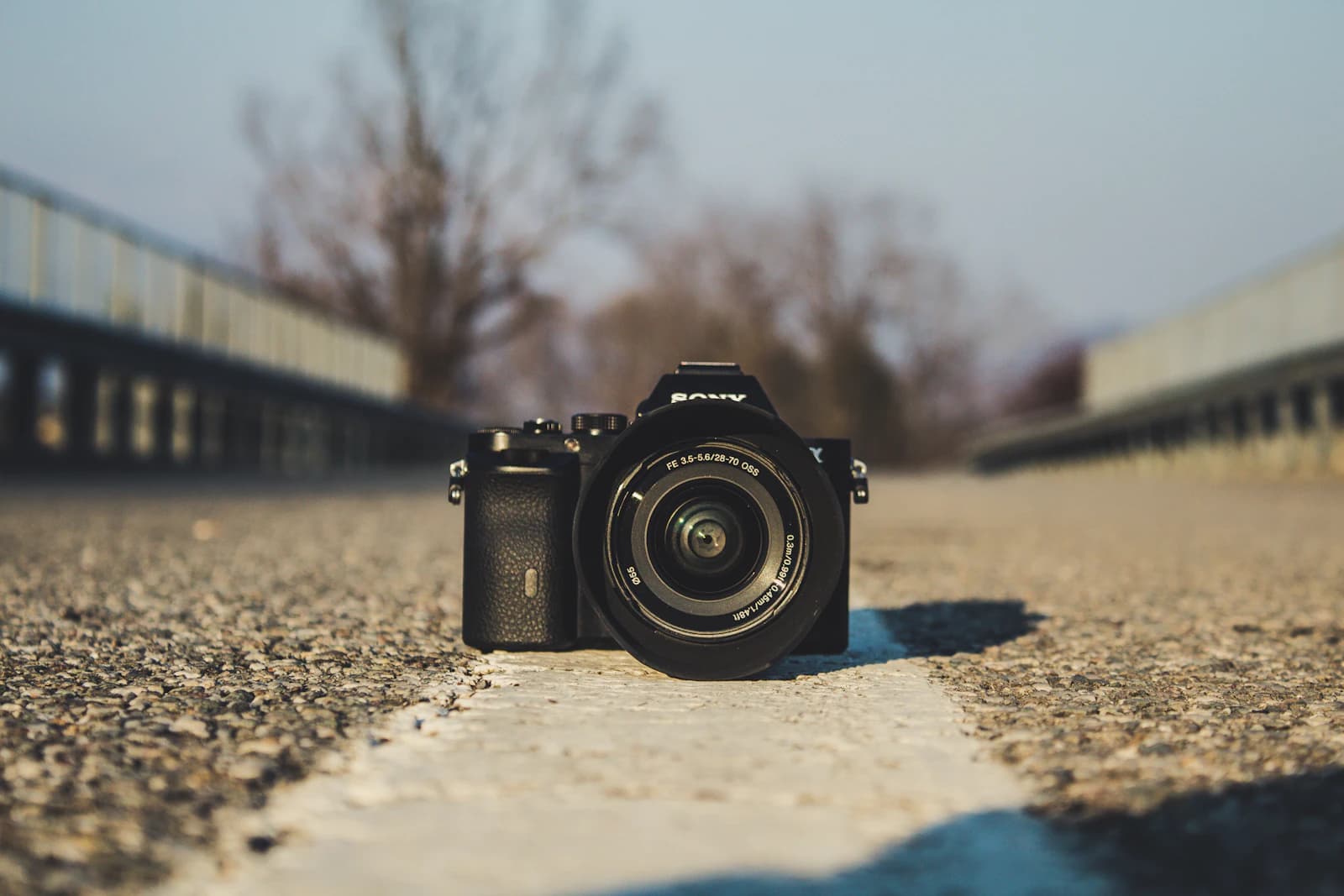
When you're buying a used camera, the seller's word on "barely used" only goes so far. The shutter count — the total number of times the shutter has fired over the camera's life — is the closest thing photography has to an odometer reading. Most shutter mechanisms are rated for a certain number of actuations (often 100,000–400,000 depending on the body's class) before wear makes servicing more likely, so a body with a low count relative to its rated life is a meaningfully safer buy than one that's already deep into its expected lifespan.
Our Shutter Count Checker reads this value directly out of a NEF or JPEG file, entirely in your browser — no upload, no account, nothing leaves your device.
Where this number actually lives
Ordinary EXIF fields (aperture, shutter speed, ISO, lens) are standardized across every camera brand, which is why any EXIF viewer can read them. Shutter count isn't part of that standard set — each manufacturer stores it (or doesn't) inside a proprietary block called the MakerNote, and the exact byte layout differs by brand and often by model generation. That's why so many "EXIF viewer" tools show you everything except this one number: they only parse the standardized fields, not the manufacturer-specific ones.
Why Nikon first — and now five Canon bodies
Nikon documents its ShutterCount field as a plain, unencrypted 32-bit number inside its MakerNote — a detail confirmed by multiple independent, publicly documented sources, not just Nikon's own tools. We verified our implementation against real Nikon camera files and it matches exactly.
Canon is a very different story: there's no single formula. Canon stores this value at a different byte offset inside a per-model binary block for practically every camera family, and each offset has to be individually discovered and published before any tool — ours included — can read it. As of this writing, that offset is only publicly documented for the EOS R5, EOS R6, EOS R6 Mark II, EOS R8, and EOS R50 — so those five Canon bodies (CR3 files only) are what this tool currently supports. Every other Canon camera, including newer EOS R models, still shows as unsupported — not because it can't ever be done, but because nobody has published where the value lives in those models yet. If you shoot one of the supported Canon bodies, note that this support is based on published camera data rather than tested against every individual unit and firmware version.
Sony, Fujifilm, Olympus, Panasonic, and Pentax are further behind for different reasons in each case — some store an equivalent value in a way that shifts by model generation and firmware, some genuinely never write it to the file at all. We're continuing to expand coverage rather than treating this list as final.
Using it before you buy
If you're buying secondhand, ask the seller for a straight-out-of-camera JPEG or NEF (not a screenshot, and not a file that's been re-saved by editing software, which typically strips this metadata) and run it through the checker yourself. Compare the count against the body's rated shutter life for its class, and weigh that alongside the visible cosmetic condition — the two together tell you far more than either one alone.
Worked example: turning a count into a decision
A raw number means little until you set it against the rating. Suppose a body in a class that the manufacturer rates at 200,000 actuations (check the rating for your specific model, since it varies a lot) shows a count of 45,000:
- 45,000 divided by 200,000 = 0.225, so about 22.5 percent of the rated life is used.
- 200,000 minus 45,000 = 155,000 actuations remain on paper.
Now compare a second body from the same class showing 150,000: 150,000 divided by 200,000 = 0.75, so 75 percent is used and only 50,000 remain. The second body isn't necessarily broken, since ratings are not guarantees and many shutters outlive them, but it should be priced accordingly and ideally come with a seller's return window.
It also helps to convert the count into years. If you shoot about 12,000 frames a year, 155,000 remaining actuations is roughly 12.9 years of use (155,000 divided by 12,000). A wedding shooter delivering 4,000 frames per event across 25 events makes 100,000 actuations in a single year, so the same body is a very different proposition for that person. Think about your own volume, not the average.
Common mistakes we see
- Trusting a screenshot or a messaging-app copy. Most chat apps recompress images and drop metadata, so the number either vanishes or can't be verified. Ask for the original file.
- Using an edited export. A JPEG re-saved from editing software or a web export usually has its MakerNote stripped. If the checker finds nothing, that's a reason to ask for another file, not proof the count is zero.
- Forgetting that the file records the count at capture time. A photo the seller took last year shows last year's count. Ask for a fresh frame taken the same day.
- Comparing across classes. An entry-level body and a professional body have different ratings, so 100,000 means different things on each.
When a shutter count doesn't tell you much
Shutter count is a wear indicator for the mechanical shutter, and that's all it is. Many mirrorless bodies can shoot with a fully electronic shutter, and in that mode the mechanical shutter may not move at all, so a body can have done a great deal of work with a modest count. Likewise, a low number says nothing about sensor dust, a worn lens mount, liquid damage, or a battery that has seen better days. Some brands and models don't write the value to the file in a form our tool can read, so "unsupported" simply means we can't tell you, not that something is wrong. In those cases, rely on a physical inspection and a seller's return policy.
A practical scenario
Picture a typical purchase. A buyer finds a used Nikon body advertised as "light use." The listing photos are screenshots, so the buyer asks for an original NEF taken that morning. Running it through the checker returns a count of 31,400, which is well under the manufacturer's rating for that class and fits the seller's description. The buyer then checks the mount, tests every button, shoots a blue-sky frame at f/16 to look for dust spots, and only then agrees on a price. The count was one input among several, which is exactly how we suggest using it.
If you shoot long timelapses, remember that they spend actuations quickly: a 30 second clip at 24 frames per second is 720 frames. Our Timelapse Calculator shows how many shots a plan will take so you can see what it costs your shutter.
Quick checklist
- Ask for an original NEF, CR3, or JPEG shot today, never a screenshot.
- Run it through the Shutter Count Checker.
- Look up the manufacturer's rated range for that exact model.
- Divide the count by the rating and think about your own yearly shots.
- Inspect the body physically and keep a return window if possible.
FAQ
Does a high count mean the camera is about to fail?
Not necessarily. Ratings are conservative targets, and plenty of shutters keep working past them. But repair risk rises as you approach the rating, so a high count is a reason to negotiate or walk away.
The tool says my camera is unsupported. Is that a problem?
No. It means the value isn't readable from that model's files with published information yet, or isn't written at all. It says nothing about the camera's health.